
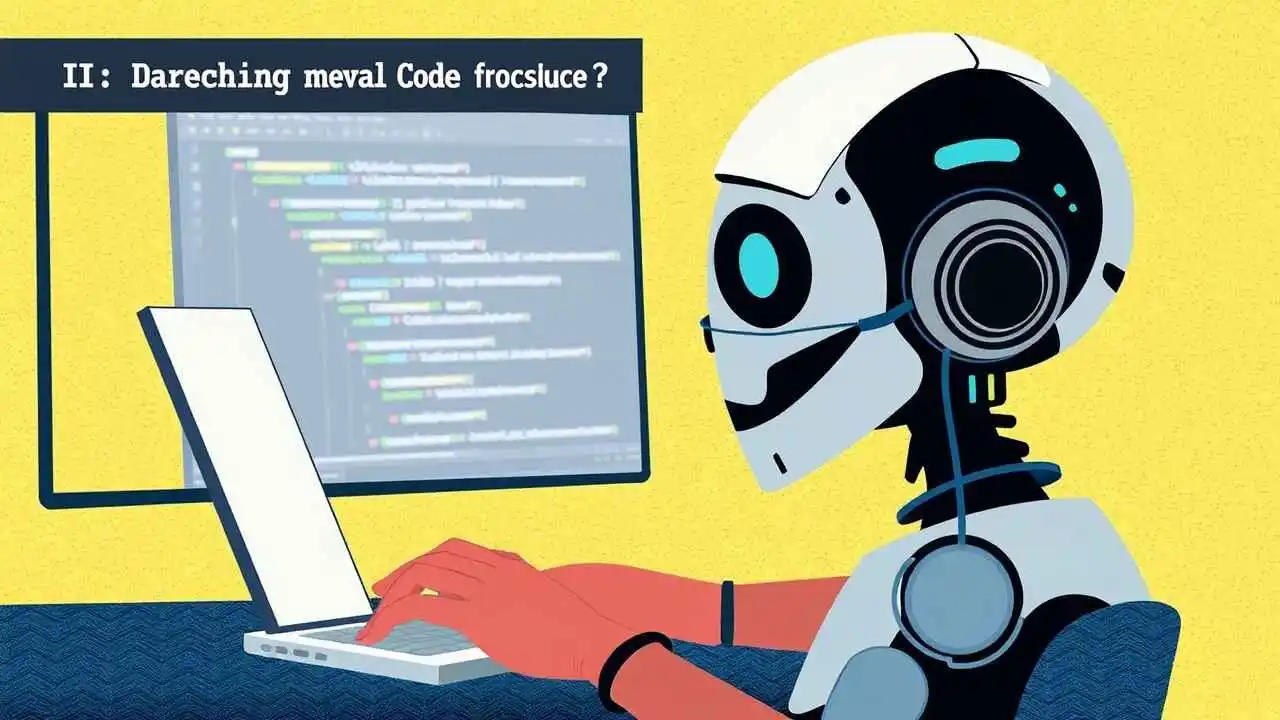
The Power and Potential of AI Code Assistants
As software developers, we are all too familiar with the challenges of writing code. From debugging to optimizing, the process can be time-consuming and frustrating. However, with the advent of AI code assistants, our jobs have become significantly easier.
An AI code assistant is a type of artificial intelligence that helps developers write code more efficiently and accurately. It uses natural language processing and machine learning algorithms to analyze code, suggest improvements, and even automate certain tasks.
One of the most significant benefits of AI code assistants is their ability to save developers time. According to a study by Evans Data Corporation, developers spend an average of 17.3 hours per week on debugging and troubleshooting. AI code assistants can help reduce this time by providing real-time feedback and suggestions as we code. This means we can catch and fix errors earlier in the development process, reducing the amount of time we spend on debugging.
In addition to saving time, AI code assistants can also help improve the quality of our code. By analyzing our code and suggesting improvements, these tools can help us write cleaner, more efficient, and more maintainable code. This is especially important in large-scale projects where code quality can have a significant impact on the overall success of the project.

Another benefit of AI code assistants is their ability to help us learn and improve as developers. By providing real-time feedback and suggestions, these tools can help us identify areas where we need to improve and provide resources to help us learn new skills. This is especially important for new developers who are still learning the ins and outs of programming.
There are several AI code assistants available on the market today, each with its own unique features and capabilities. Some of the most popular options include Kite, Codota, and Tabnine. These tools use a variety of techniques, such as natural language processing, machine learning, and code analysis, to provide real-time feedback and suggestions.
Kite, for example, uses machine learning algorithms to analyze code and suggest completions as we type. It supports over 20 programming languages and can be integrated with popular code editors such as Visual Studio Code and Sublime Text.
Codota, on the other hand, uses a combination of natural language processing and machine learning to analyze code and suggest improvements. It supports over 50 programming languages and can be integrated with popular IDEs such as IntelliJ IDEA and Eclipse.
Tabnine is another popular AI code assistant that uses machine learning algorithms to analyze code and suggest completions. It supports over 25 programming languages and can be integrated with popular code editors such as Visual Studio Code and Atom.
When it comes to using AI code assistants, there are a few best practices to keep in mind. First and foremost, it’s important to remember that these tools are designed to assist us, not replace us. While they can provide valuable feedback and suggestions, they are not infallible and should not be relied on completely.
It’s also important to choose the right AI code assistant for our needs. Different tools have different strengths and weaknesses, so it’s important to do our research and choose a tool that fits our specific needs and workflow.
Finally, it’s important to remember that AI code assistants are still a relatively new technology. While they have the potential to significantly improve our productivity and code quality, they are not without their limitations and challenges. As developers, it’s important to stay up-to-date with the latest developments in this field and to continue to explore new ways to improve our development workflow.
As AI code assistants continue to evolve and improve, we can expect to see even more significant benefits for developers. From saving time to improving code quality, these tools have the potential to revolutionize the way we write code.
As the famous physicist Richard Feynman once said, “What I cannot create, I do not understand.” With AI code assistants, we can better understand the code we write, improve our skills, and create better software.
In conclusion, AI code assistants are powerful tools that can help developers write code more efficiently and accurately. By providing real-time feedback and suggestions, these tools can save us time, improve the quality of our code, and help us learn and improve as developers. As the technology continues to evolve, we can expect to see even more significant benefits for the development community.
Ul List:
- AI code assistants use natural language processing and machine learning algorithms to analyze code and provide real-time feedback and suggestions.
- These tools can help developers save time, improve code quality, and learn new skills.
- Popular AI code assistants include Kite, Codota, and Tabnine.
- Best practices for using AI code assistants include remembering they are assistants, not replacements, choosing the right tool for our needs, and staying up-to-date with the latest developments.
- AI code assistants can help us better understand the code we write and improve our development workflow.
Quotation:
“What I cannot create, I do not understand.” – Richard Feynman
Table:
| AI Code Assistant | Languages Supported | Integrations | Features |
| Kite | Over 20 | Visual Studio Code, Sublime Text | Machine learning-powered completions |
| Codota | Over 50 | IntelliJ IDEA, Eclipse | Natural language processing and machine learning |
| Tabnine | Over 25 | Visual Studio Code, Atom | Machine learning-powered completions |
FAQ’s
1. What is an AI code assistant?
Answer:
An AI code assistant is a software tool powered by artificial intelligence designed to help developers write, understand, debug, and optimize code. It can suggest code snippets, complete lines of code, detect errors, and provide documentation, thereby speeding up the development process.
2. How do AI code assistants work?
Answer:
AI code assistants use machine learning models trained on vast amounts of source code from repositories, documentation, and forums. They analyze the context of the code being written and predict the most relevant next steps, such as completing a function or suggesting fixes.
3. What programming languages do AI code assistants support?
Answer:
Most AI code assistants support popular languages such as Python, JavaScript, Java, C++, C#, Ruby, and more. Some are specialized or more effective with certain languages depending on their training data.
4. Can AI code assistants replace human programmers?
Answer:
No, AI code assistants are tools to augment human programmers, not replace them. They help automate repetitive tasks and provide suggestions, but human creativity, problem-solving, and design decisions remain essential.
5. How do AI code assistants improve coding productivity?
Answer:
By providing real-time code suggestions, auto-completions, error detection, and documentation, AI assistants reduce the amount of manual typing and debugging, allowing developers to focus on higher-level tasks.
6. Are AI code assistants good for beginners?
Answer:
Yes, they can be very helpful for beginners by providing examples, explanations, and code snippets that illustrate programming concepts and best practices.
7. What are some popular AI code assistants available today?
Answer:
Examples include GitHub Copilot, Tabnine, Kite, Amazon CodeWhisperer, and OpenAI’s Codex. Each has unique features tailored to different development environments.
8. How do AI code assistants handle code security?
Answer:
Some AI code assistants analyze code for security vulnerabilities and recommend safer coding patterns. However, developers should always review suggestions critically, as AI may occasionally suggest insecure code.
9. Can AI code assistants write complex algorithms?
Answer:
They can generate code for many algorithms based on learned patterns but may struggle with very novel or highly specialized algorithms requiring deep domain expertise.
10. Do AI code assistants learn from my code?
Answer:
Some AI tools adapt to your coding style over time, improving suggestions based on your projects. However, privacy policies vary, so check if your code is used for training.
11. Are AI code assistants useful in debugging?
Answer:
Yes, many AI assistants can identify bugs, suggest fixes, and explain errors, helping developers locate and resolve issues faster.
12. How do AI code assistants impact code quality?
Answer:
By suggesting best practices and catching common mistakes early, AI assistants can improve code quality, though final review by humans is still necessary.
13. Can AI code assistants generate documentation?
Answer:
Yes, they can automatically generate code comments and documentation, making it easier to maintain and understand codebases.
14. What are the limitations of AI code assistants?
Answer:
Limitations include occasional incorrect suggestions, lack of deep understanding of complex business logic, and potential biases based on training data.
